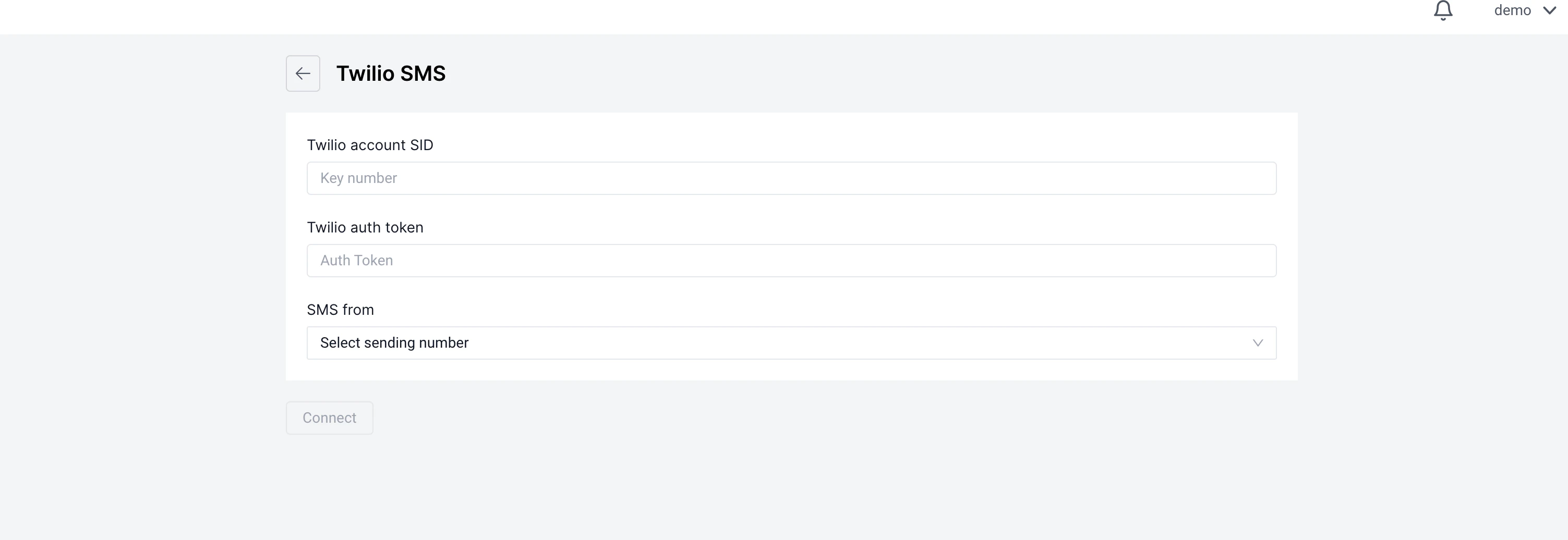
Setting up SMS
Setting up sms, requires external api keys for sms sending services
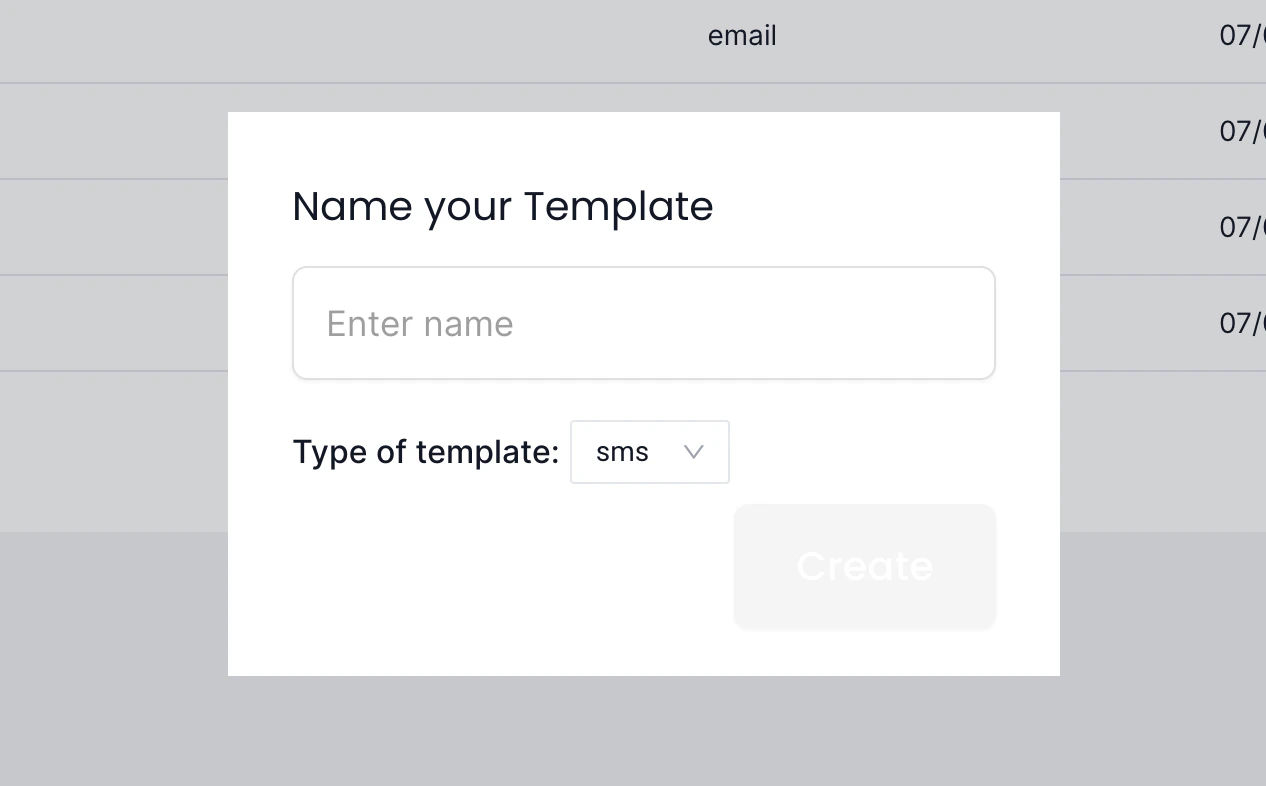
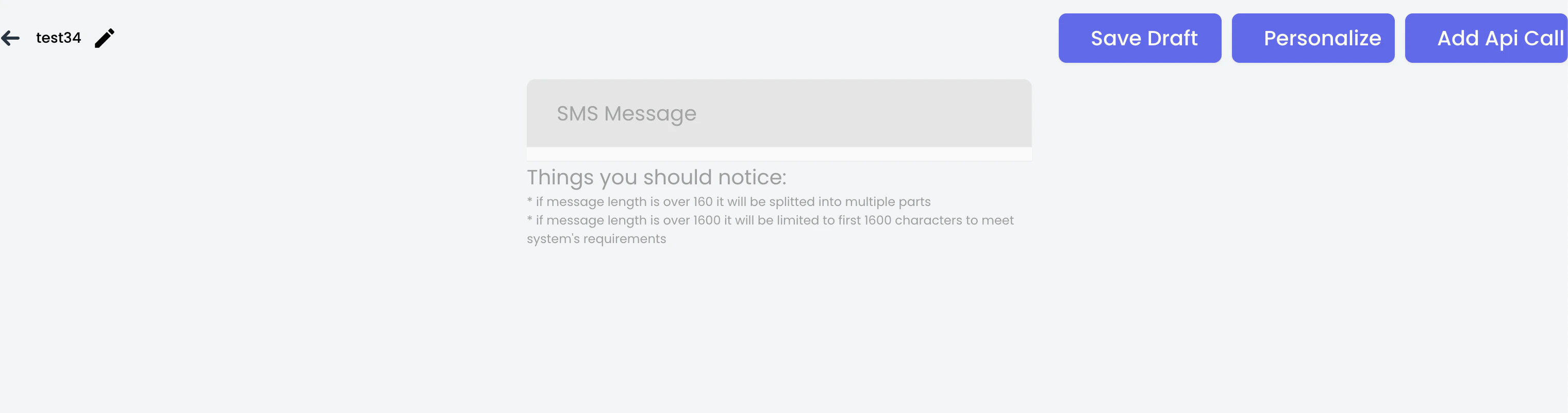
Creating SMS Messages
To create an SMS that you can use in subsequent journey, you need to first navigate to message templates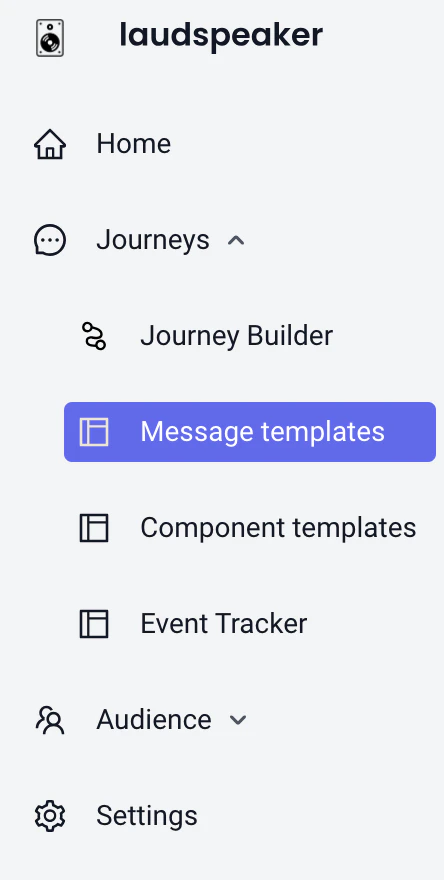
Using sms in Journeys
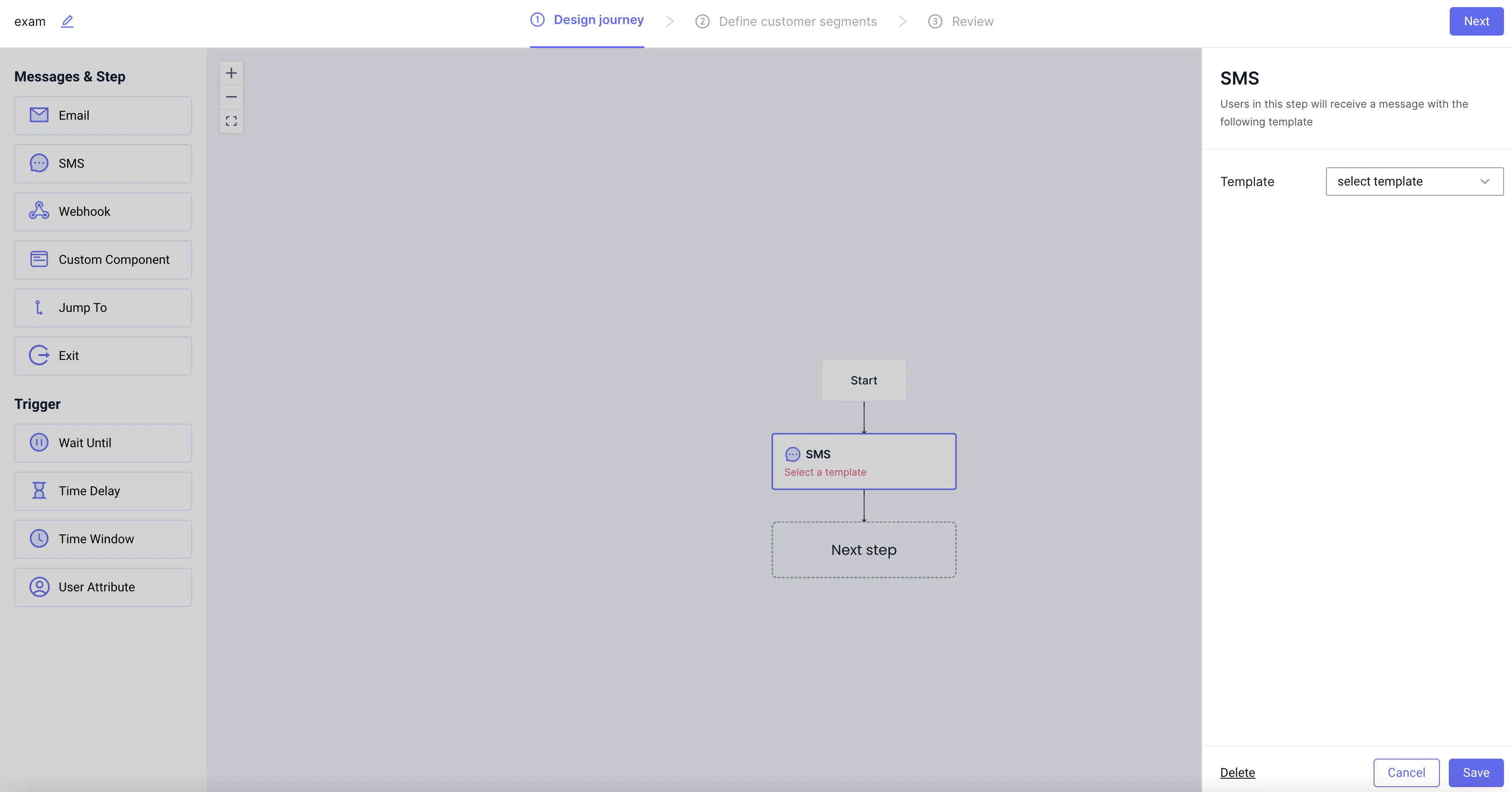
Once sms is set up and you have created sms templates, you can use them in a journey by dragging an sms step onto the canvas and then selecting the template you designed.