
Documentation Index

Fetch the complete documentation index at: https://laudspeaker.com/docs/llms.txt

Use this file to discover all available pages before exploring further.

How to import users

Start at the “Setting up Laudspeaker” page before progressing here Laudspeaker UI.
After setting up the user schema, you can import users. Laudspeaker imports or creates users in 3 main ways.
  1. via CSV import
  2. Programatically via the Upsert API
  3. Automatically on events through the event API

CSV Import

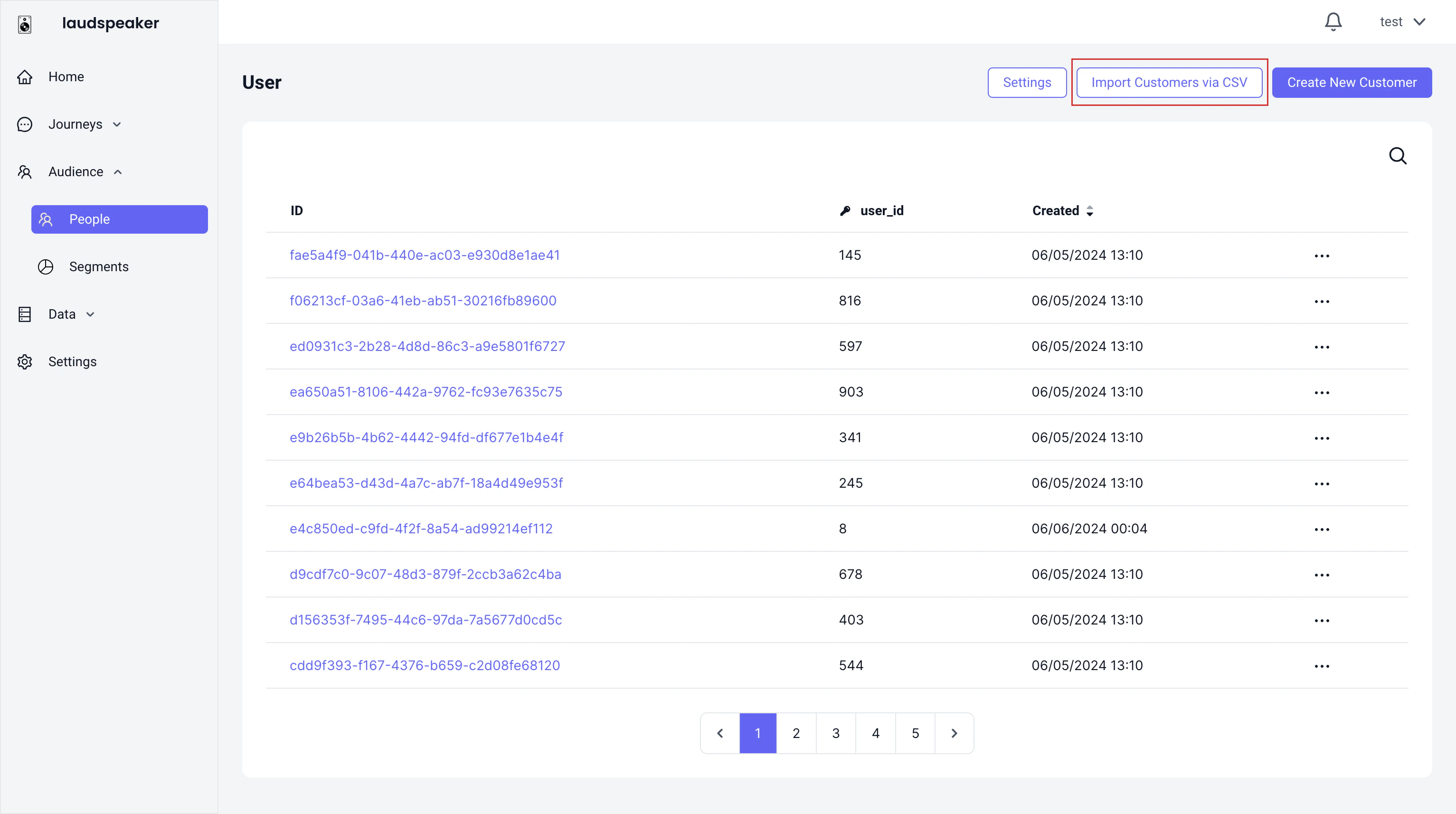
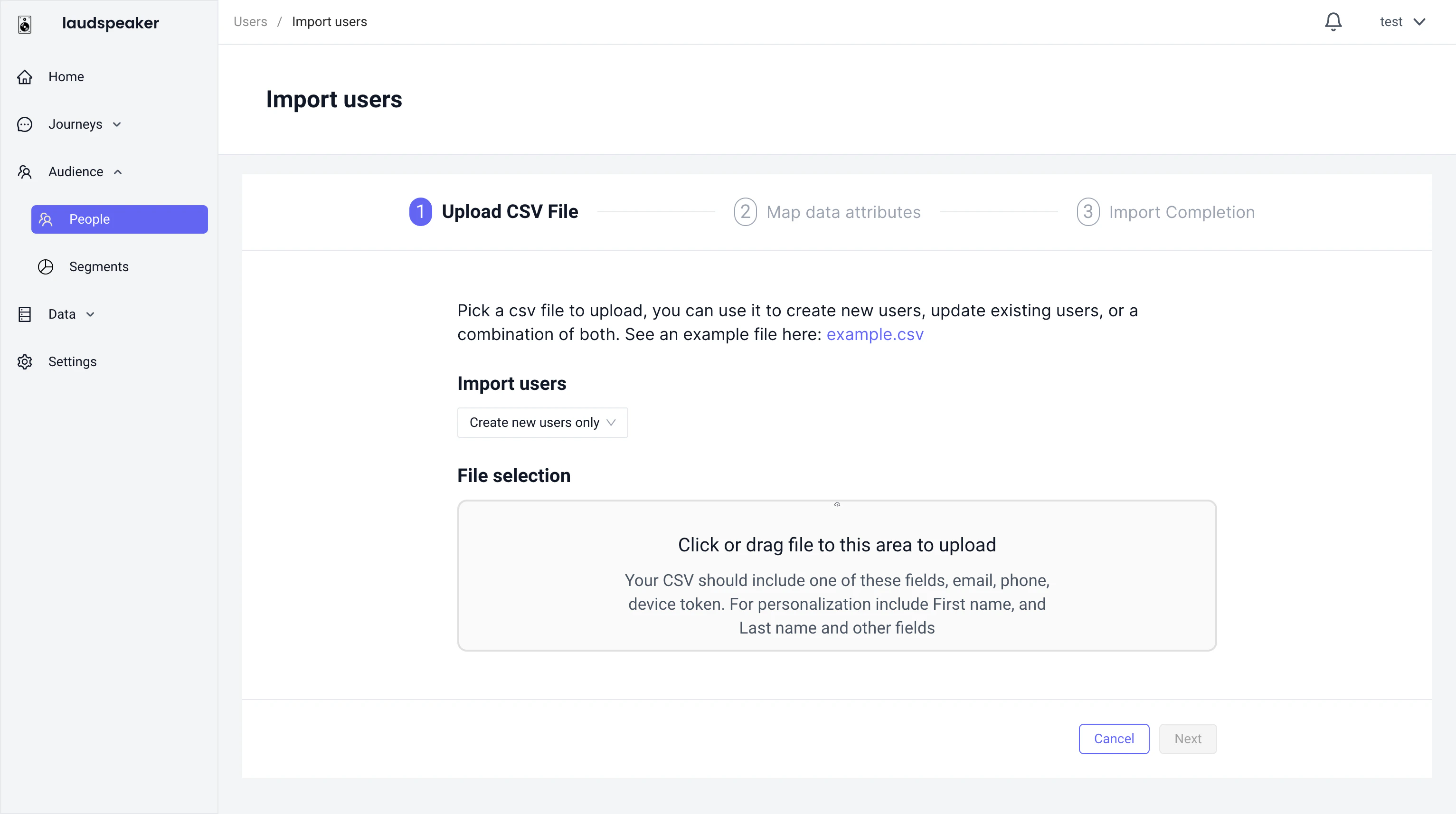
You can import users through our csv import via the audience tab: Example Flow Example Flow
Upsert API

Laudspeaker offers an upsert api, where you can create users individually. You can check out the developer reference here ().

Automatically via events

Laudspeaker can ingest events via the events api. If Laudspeaker encounters a user who does not yet exist in the database, Laudspeaker will automatically create that user in the audience tab.