

Mailgun offers both an SMTP client and an HTTP API. If you wish to use Mailgun’s SMTP client, see our SMTP connection docs here. For connecting with the Mailgun HTTP API, follow the guide below.
Before We Begin: Creating an account
Before we can send emails using Mailgun, we must create a Mailgun account. Go to Mailgun’s signup page and fill in the required information.Registering Sending Domains and Adding Authorized Recipients
Sandbox Domain
Each new Mailgun account is automatically provisioned with a sandbox domain of the formsandbox<alphanumeric-identifier>@mailgun.org. This domain allows you to perform all the core actions Mailgun offers without having to purchase or setup your own domain. All of Laudspeaker’s functionality remains accessible using a sandbox domain.
Once you are ready, you can verify a domain for sending emails in production using the Mailgun domain verification documentation.
Adding Authorized Recipients
If you are not using a sandbox domain, you can skip this step.
Activating Webhooks
To receive opened, clicked, and unsubscribed events, you will need to activate Click Tracking, Open Tracking, and Unsubscribes in the Mailgun UI.-
From the Mailgun Dashboard, navigate to
Domain Settingsin theSendingdrop-down menu, and select the domain you will be sending from in the top right corner of the screen: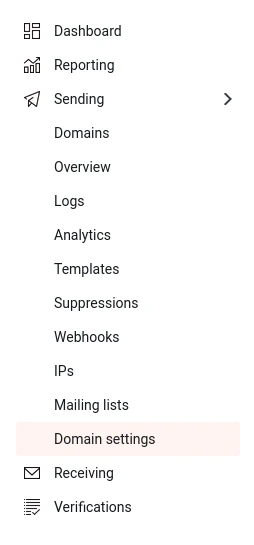
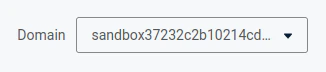
-
Scroll down to the
Trackingsection of the domain settings page and turn onClick Tracking,Open Tracking, andUnsubscribes: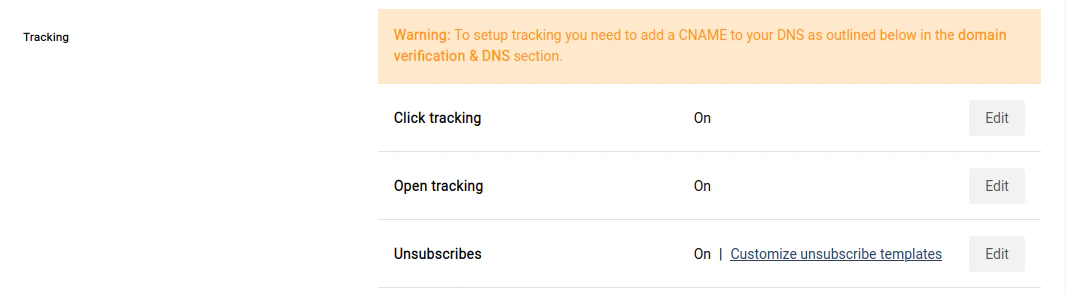
Connecting Mailgun to Laudspeaker
Now that you are finished setting up your Mailgun account, it’s time to start sending emails!-
Navigate to the Mailgun API keys page, and copy your Private API key:

-
Go to the settings menu in Laudspeaker, click on the
Emailtab, and then selectMailgunand input your API key in theMailgun API Keyfield: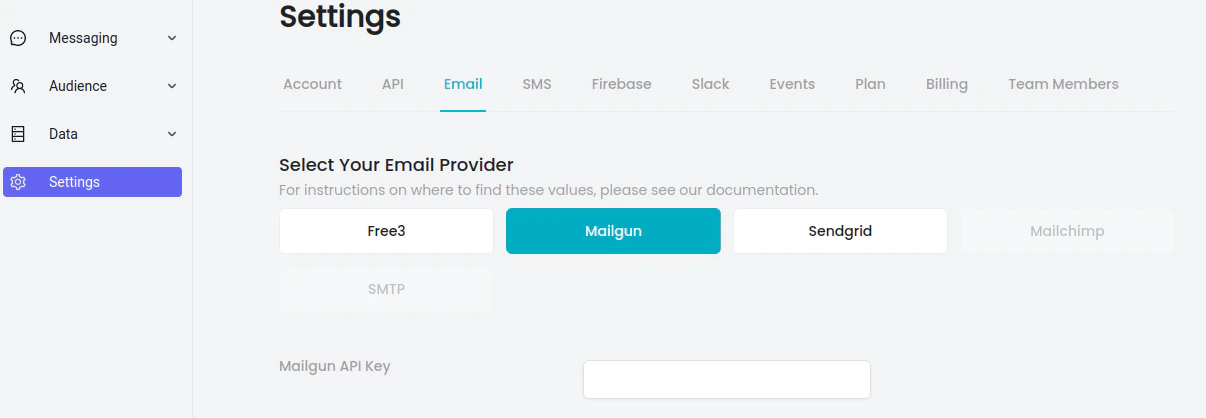
- Select the domain that you would like to send emails from using the Domain dropdown, and input the sending name and sending email.
- Save your settings. This will automatically create all the webhooks you need to receive tracking events.
- Start sending!