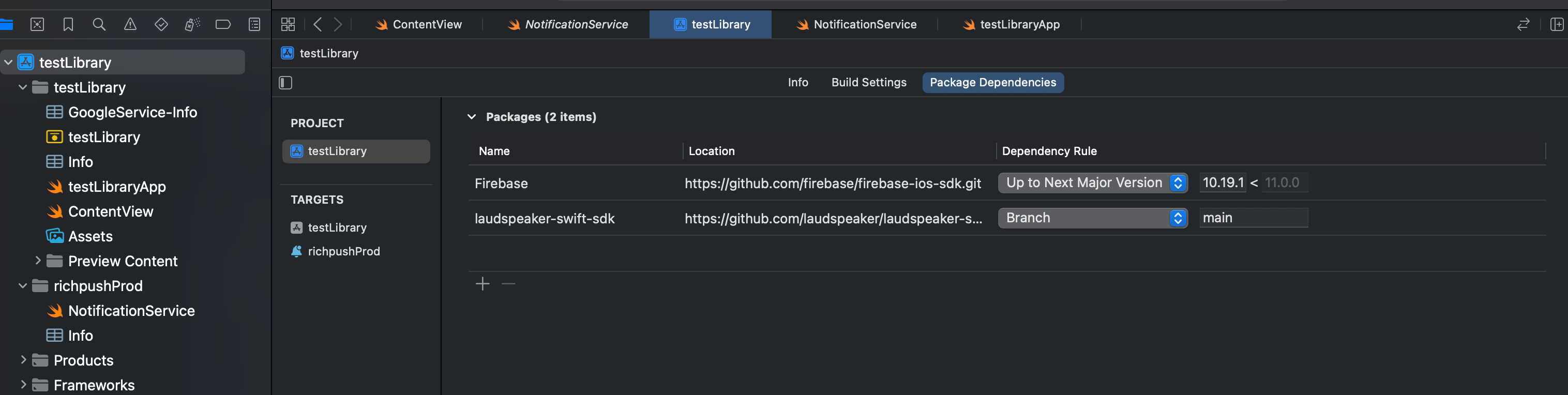
Laudspeaker currently requires users to also use firebase, you will need to install firebase seperately: https://firebase.google.com/docs/ios/setup , import the library in your project and add their required app delegate methods (example here: https://firebase.google.com/docs/cloud-messaging/ios/receive).
Specific Tutorials
Adding Standard Push Notifications
Start Here to send push notifications to your iphone app!
Adding Rich Push Notifications
Support the ability to send push notifications with images, and more!
Tracking Events
Track default, message and custom events to better understand your app!
Installation
To use Laudspeaker in your app you should add our package as a dependency. You can do so using the swift package manager by searching forlaudspeaker-swift-sdk: