> ## Documentation Index
> Fetch the complete documentation index at: https://laudspeaker.com/docs/llms.txt
> Use this file to discover all available pages before exploring further.
# Segments
> Using Segments in Laudspeaker
### Introduction
You can create segments in the 2nd step of the journey builder and will soon also be able to create them in a segments tab under audience
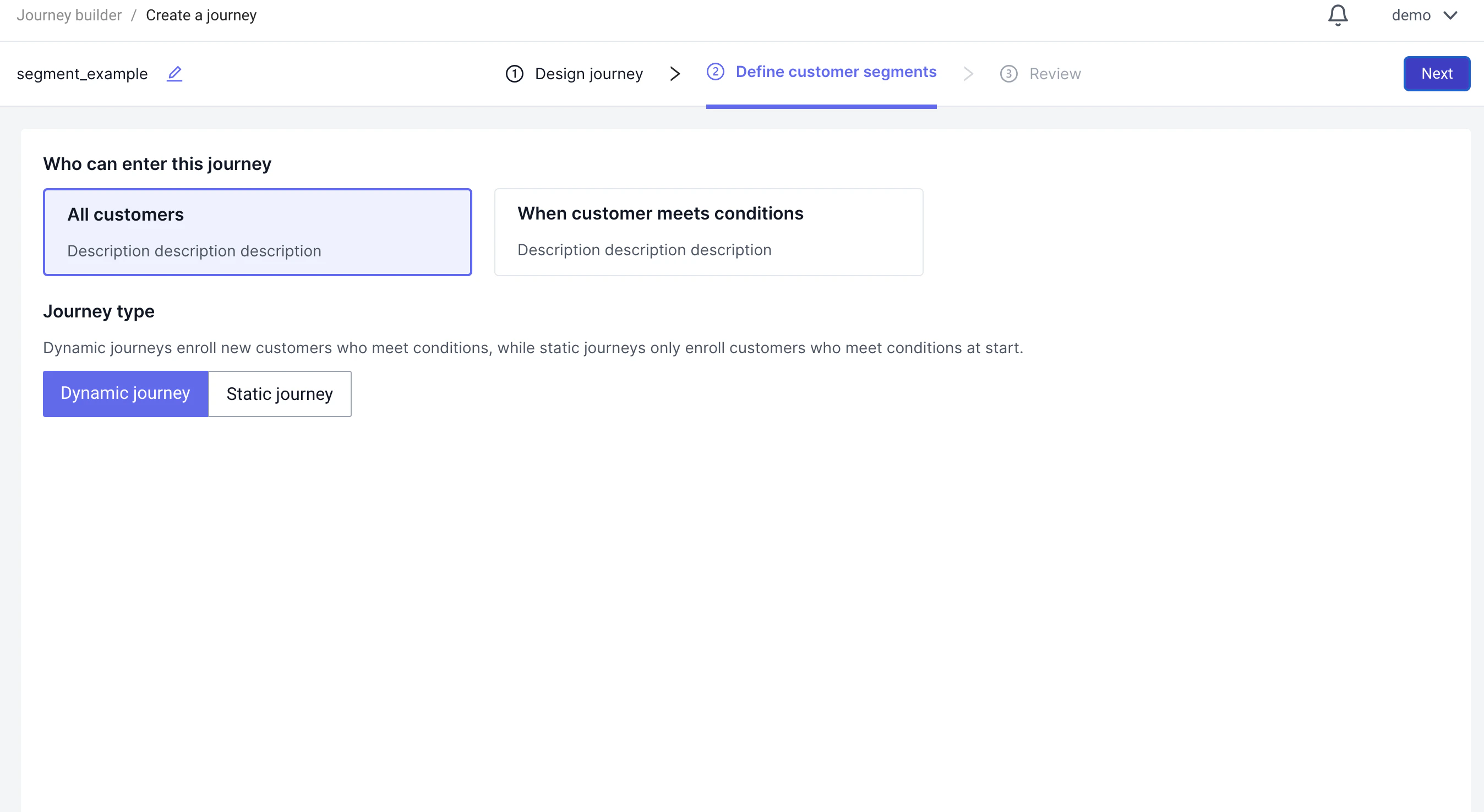
In the journey builder the segments tab is the 2nd step:
 If you wish to include all users, you can select all users:
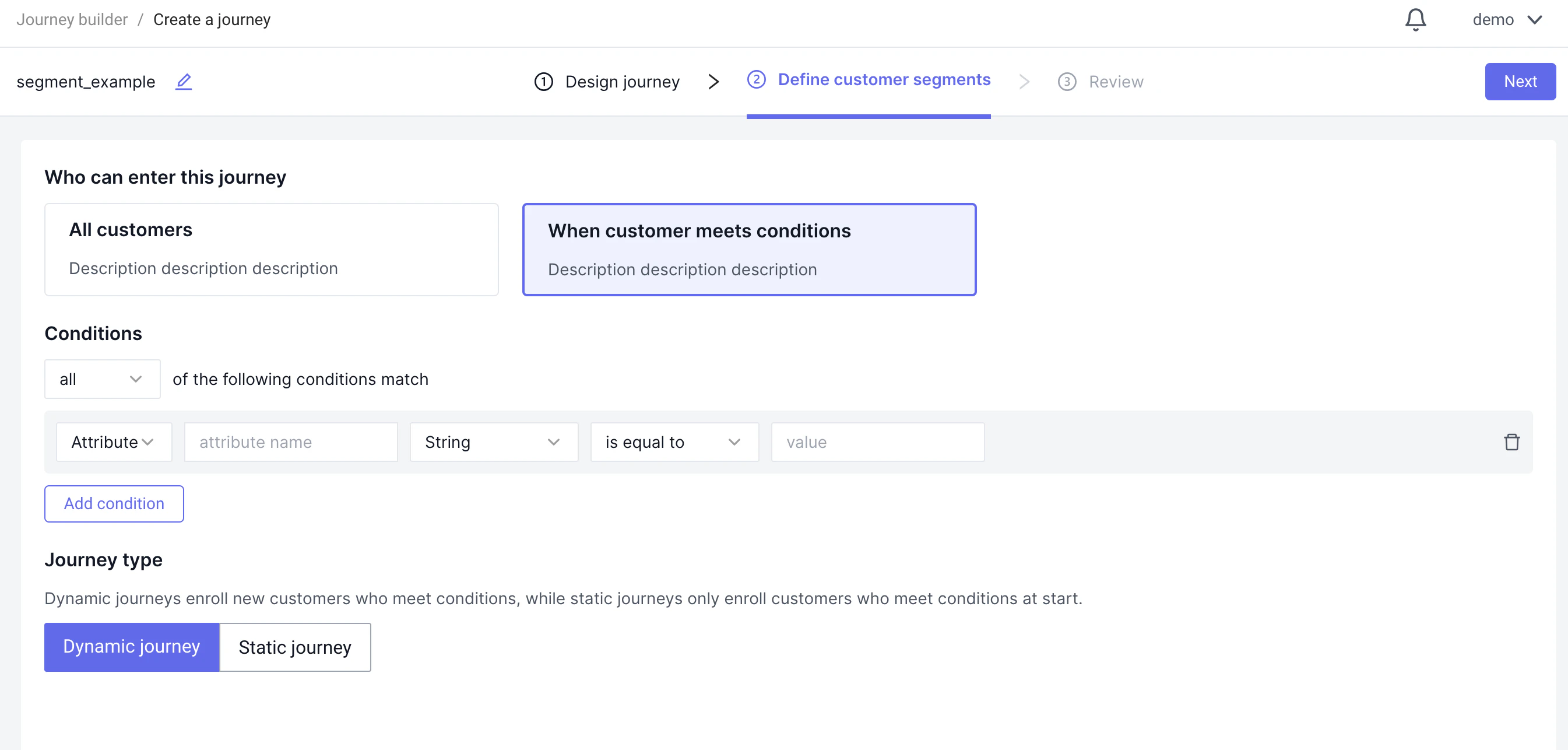
 To create a segment select "When customer meets conditions"
 ### Using a Segment in a Journey
Once you are happy with the segment definition, you can review the segment in the final step on the journey builder and before setting it live
### Using a Segment in a Journey
Once you are happy with the segment definition, you can review the segment in the final step on the journey builder and before setting it live