> ## Documentation Index
> Fetch the complete documentation index at: https://laudspeaker.com/docs/llms.txt
> Use this file to discover all available pages before exploring further.
# Channel Overview and Set up
## Supported Channels
Currently Laudspeaker supports, the following channels - **push**, **email**, **sms**, and **webhook** on the cloud product as well as push notifications, and modals (in beta) and on the enterprise self-hosted edition.
To use most messaging channels in the journey builder you need to properly set up the messaging channel before hand. For example to use email, you need to set up sending address, and connect Laudspeaker to your domain. There are similar requirements for sms, push and other channels
## How to set up channels
To set up message channels, you must first navigate to settings
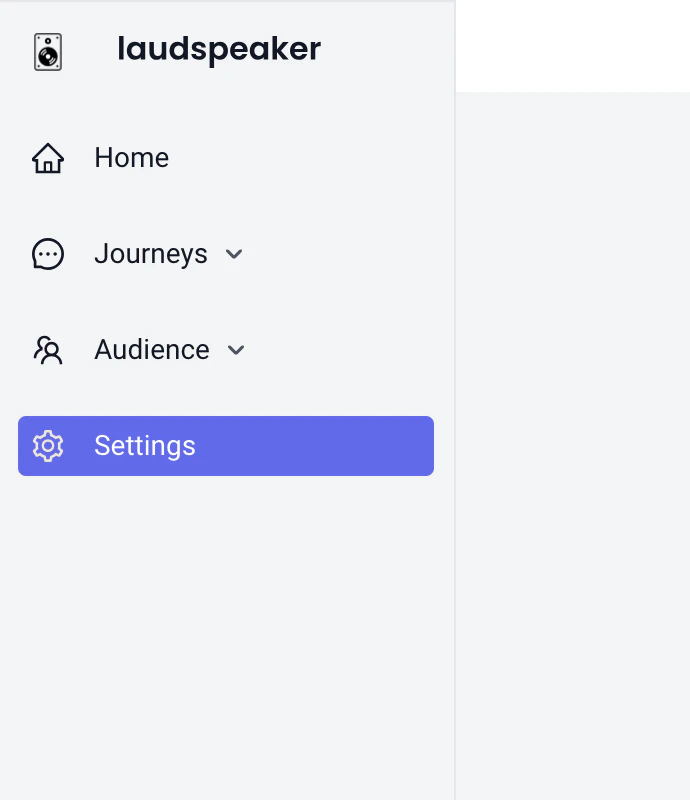 Then in settings, navigate to the "Message Channel" tab, where you will see a list of all message channels that require set up.
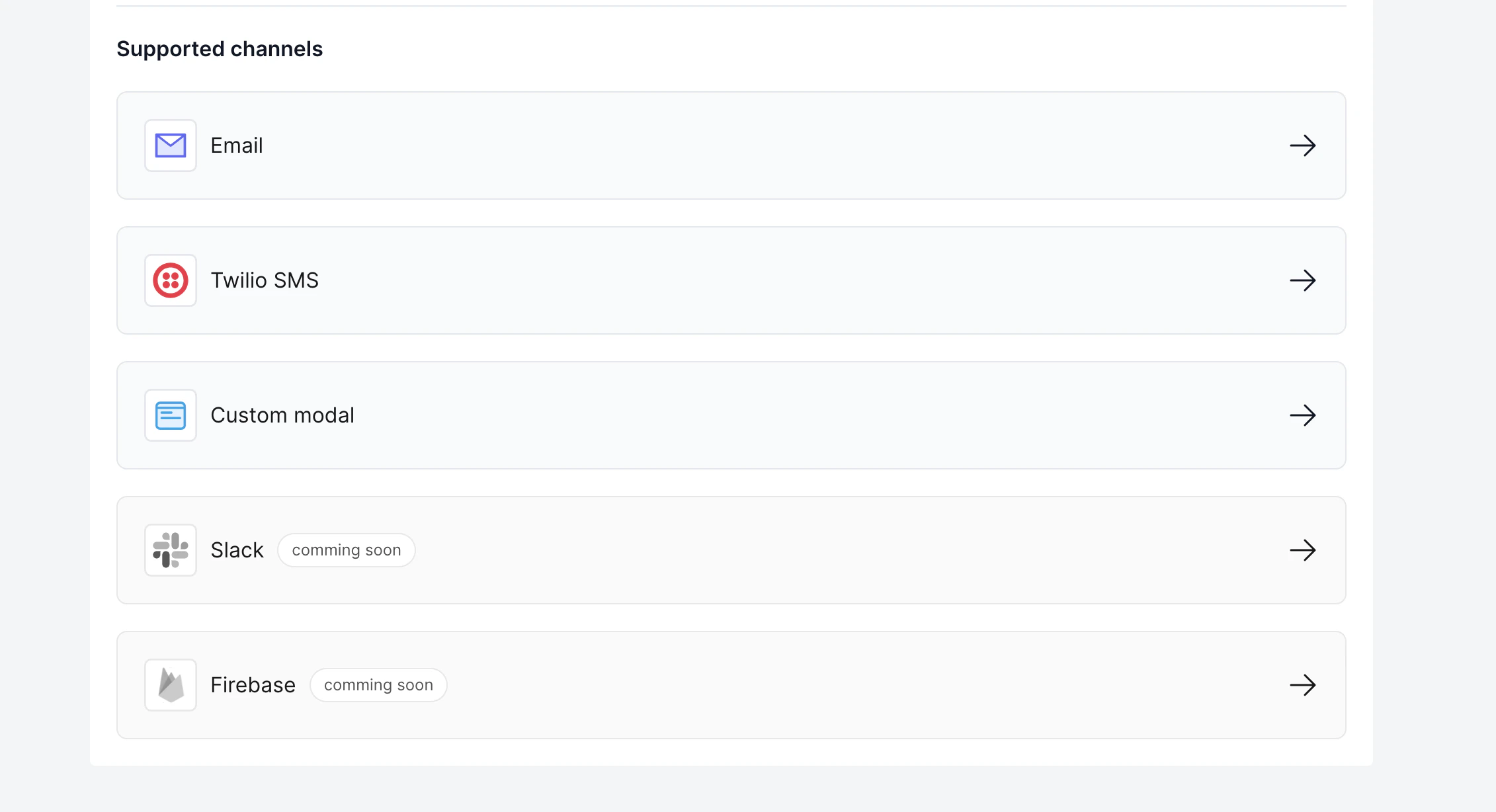 To set up any channel in particular you need to click on that specific channel. Check out channels specific pages for more information