> ## Documentation Index
> Fetch the complete documentation index at: https://laudspeaker.com/docs/llms.txt
> Use this file to discover all available pages before exploring further.
# Importing Users
### How to import users
Start at the "Setting up Laudspeaker" page before progressing here [Laudspeaker UI](https://app.laudspeaker.com/).
After setting up the user schema, you can import users.
Laudspeaker imports or creates users in 3 main ways.
1. via CSV import
2. Programatically via the Upsert API
3. Automatically on events through the event API
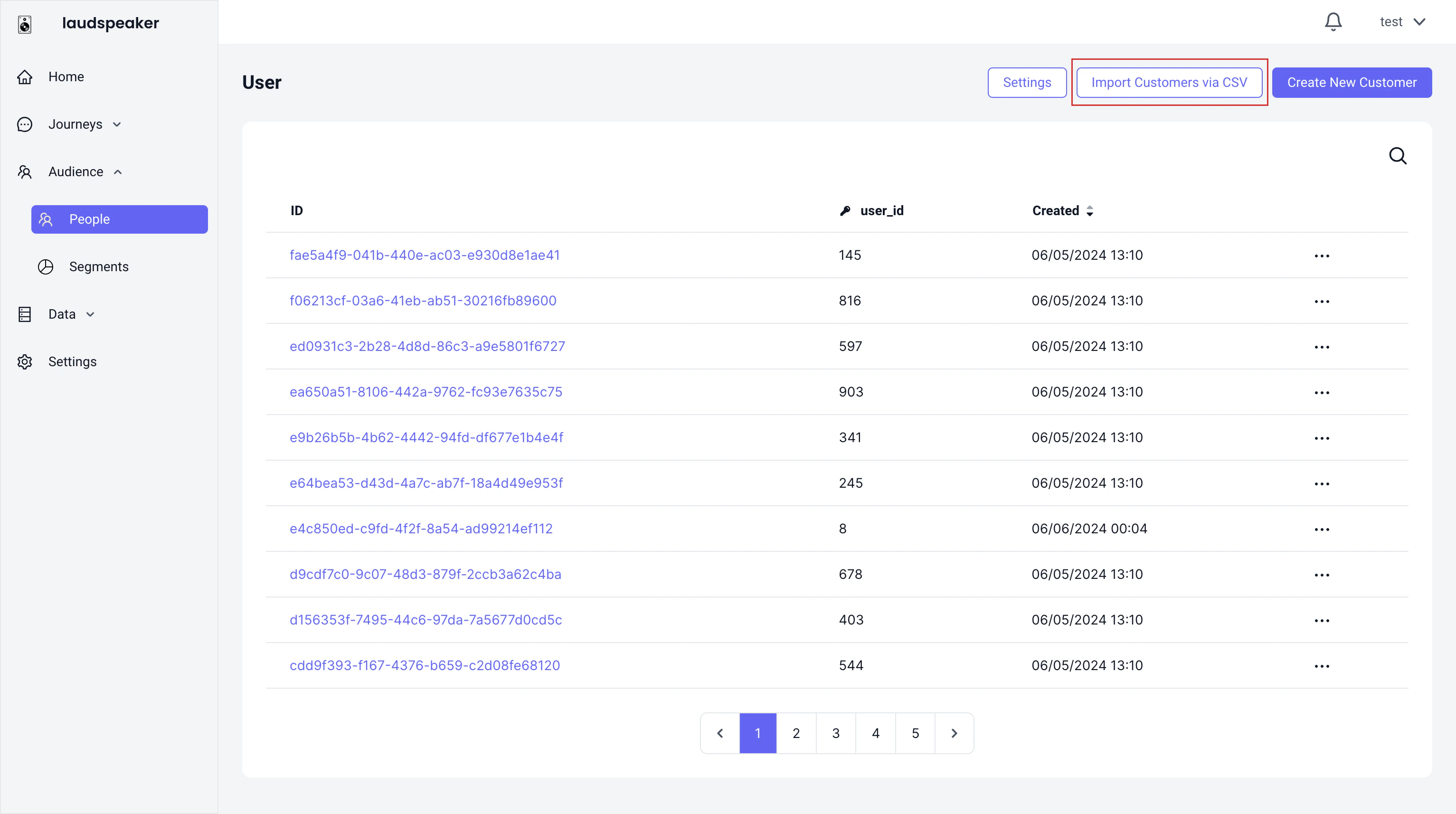
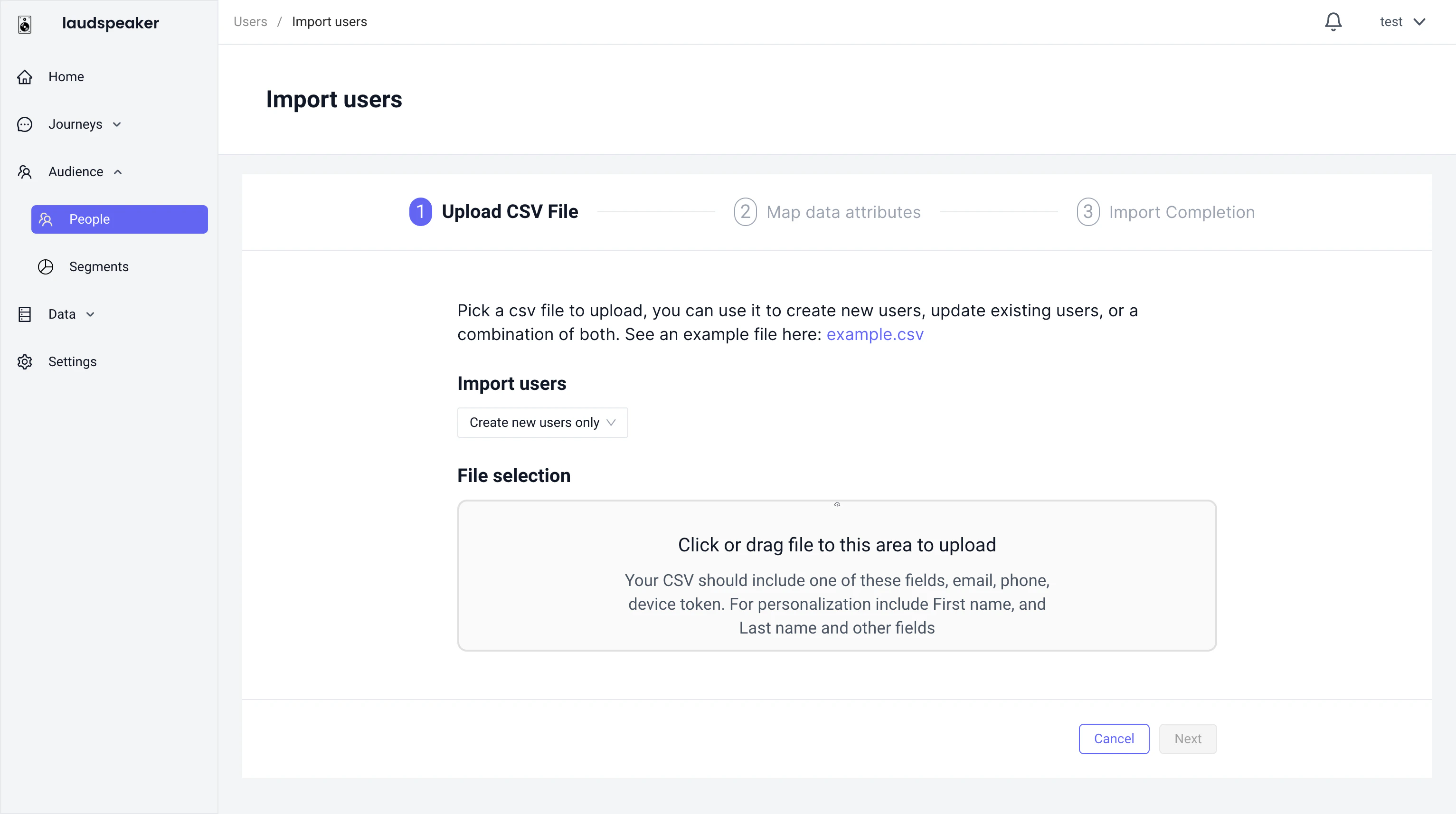
#### CSV Import
You can import users through our csv import via the audience tab:
 #### Upsert API
Laudspeaker offers an upsert api, where you can create users individually. You can check out the developer reference here ().
#### Automatically via events
Laudspeaker can ingest events via the events api. If Laudspeaker encounters a user who does not yet exist in the database, Laudspeaker will automatically create that user in the audience tab.
#### Upsert API
Laudspeaker offers an upsert api, where you can create users individually. You can check out the developer reference here ().
#### Automatically via events
Laudspeaker can ingest events via the events api. If Laudspeaker encounters a user who does not yet exist in the database, Laudspeaker will automatically create that user in the audience tab.